Your Entire POS in Your Pocket
The sell.ke mobile app turns your Android phone or tablet into a full point-of-sale system. Accept M-Pesa, manage inventory, print receipts, track sales — even when you're offline.
Get it onGoogle PlayFreeiOS app coming soon. Use the web app on iPhone.
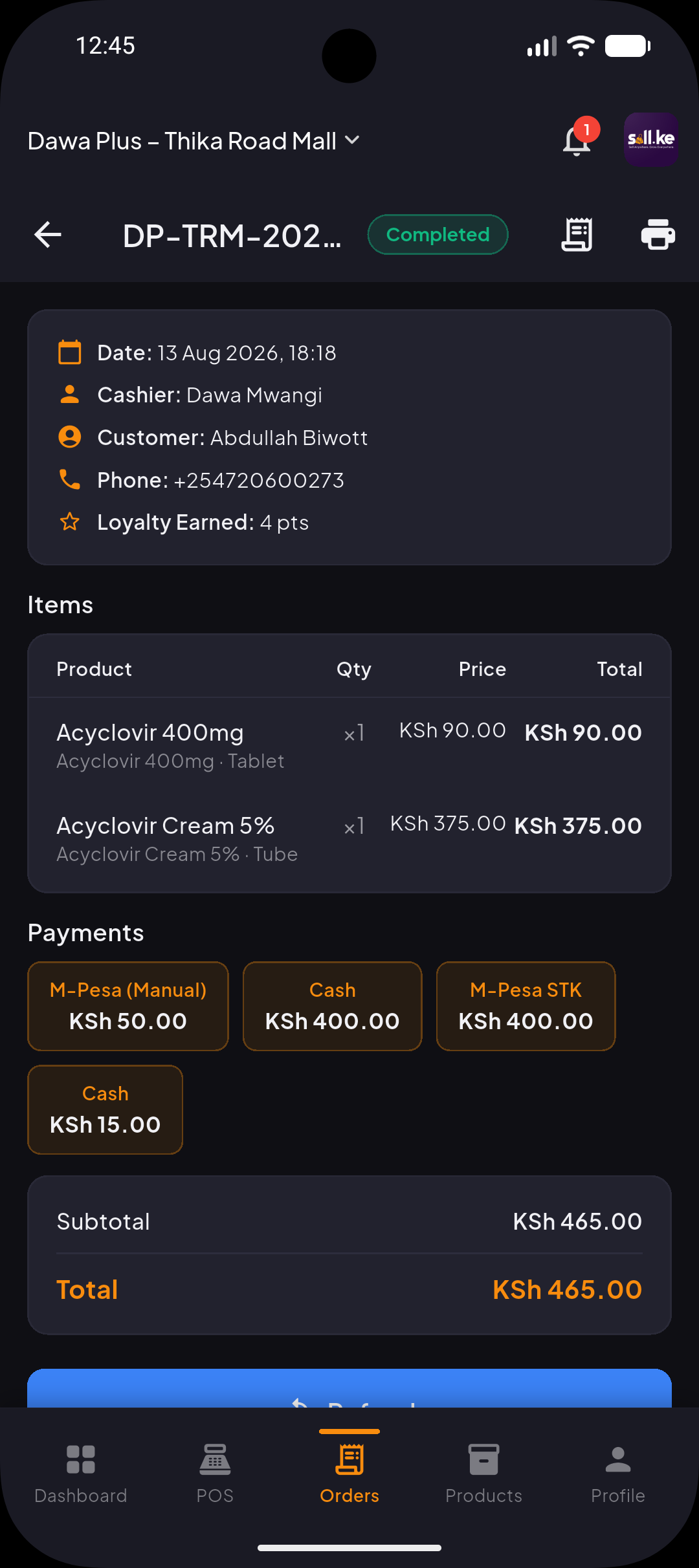
Everything Your Business Needs — On Your Phone
The sell.ke mobile app isn't a stripped-down companion. It's the full POS system, built for Android.
M-Pesa STK Push
Trigger M-Pesa payment prompts directly from your phone. Customers pay, you get instant confirmation.
Works Offline
Keep selling even when internet drops. Every transaction syncs automatically when connectivity returns.
Bluetooth Receipt Printing
Connect any standard 80mm thermal printer via Bluetooth. Print receipts without cables or a fixed checkout.
Live Sales Dashboard
Check today's sales, revenue and top-selling products from your pocket — anywhere, any time.
Amina AI Assistant
Ask Amina about your sales, get help adding products, or check who can see your data — in plain language, any time.
Real-Time Inventory
Track stock levels across all branches. Get low-stock alerts before you run out.
Camera Barcode Scanning
Scan barcodes with your phone camera. No extra hardware needed — just point and scan.
Staff Accounts
Create accounts for cashiers and managers with role-based permissions. Track who sold what.
KRA eTIMS Receipts
Generate KRA-compliant receipts directly from the app. Stay compliant from day one.
Online Store Sync
Your mobile POS and online store share the same inventory and orders. Sell everywhere from one app.
Business Reports
Daily, weekly and monthly reports on sales, profit margins, staff performance and product trends.
Up and Running in Minutes
From download to first sale — no paperwork, no hardware needed.
Download from Google Play
Search "sell.ke" on Google Play or tap the download button on this page. Install takes under a minute.
Sign up or log in
Create your free account with your phone number — no credit card required. Already have an account? Just log in.
Add your products
Add products manually or scan barcodes with your camera. Set prices, categories and stock quantities.
Start selling
Connect your M-Pesa till, pair a Bluetooth printer, and start processing sales immediately.
Internet Down? Keep Selling.
Power cuts and spotty Wi-Fi are a reality for Kenyan businesses. sell.ke's offline mode keeps your POS running through it all. Sales, receipts and inventory updates queue locally and sync the moment connectivity returns.
Frequently Asked Questions
Is the sell.ke mobile POS app free to download?+
Yes. The app is free to download from Google Play. You get a 14-day free trial with full access to all features. After the trial, plans start from KES 1,499 per month.
What Android version do I need?+
sell.ke requires Android 7.0 (Nougat) or higher. It runs on phones and tablets. For the best experience, we recommend a device with at least 2GB of RAM.
Can I use sell.ke on my phone and tablet at the same time?+
Yes. Your account syncs across devices. You can use a tablet as your main checkout counter and your phone to check reports or manage inventory on the go.
Does the app work without internet?+
Yes. sell.ke works fully offline — you can process sales, add products, and print receipts without an internet connection. Everything syncs automatically when you reconnect. M-Pesa payments require a live connection for Safaricom confirmation.
What receipt printers work with the app?+
sell.ke supports standard 80mm Bluetooth thermal printers. Popular compatible brands in Kenya include Xprinter, Rongta, and Epson mobile printers. Any ESC/POS compatible Bluetooth printer should work.
Can I manage my online store from the mobile app?+
Yes. The mobile app and your sell.ke online store share the same product catalogue, inventory and orders. Products you add on your phone appear on your website, and online orders show up in your POS.
Is the sell.ke app available on iPhone?+
The iOS version is currently in development. For now, sell.ke is available on Android phones and tablets via Google Play. iPhone users can access sell.ke through the web browser at pos.sell.ke.
How do I accept M-Pesa payments on the app?+
Connect your M-Pesa till number or paybill in the app settings. When checking out a customer, select M-Pesa as the payment method — the customer receives an STK push on their phone to confirm payment. Confirmation is instant.
Turn Your Phone Into a POS
Download sell.ke from Google Play, sign up free, and start selling from your phone today.